Quick definition
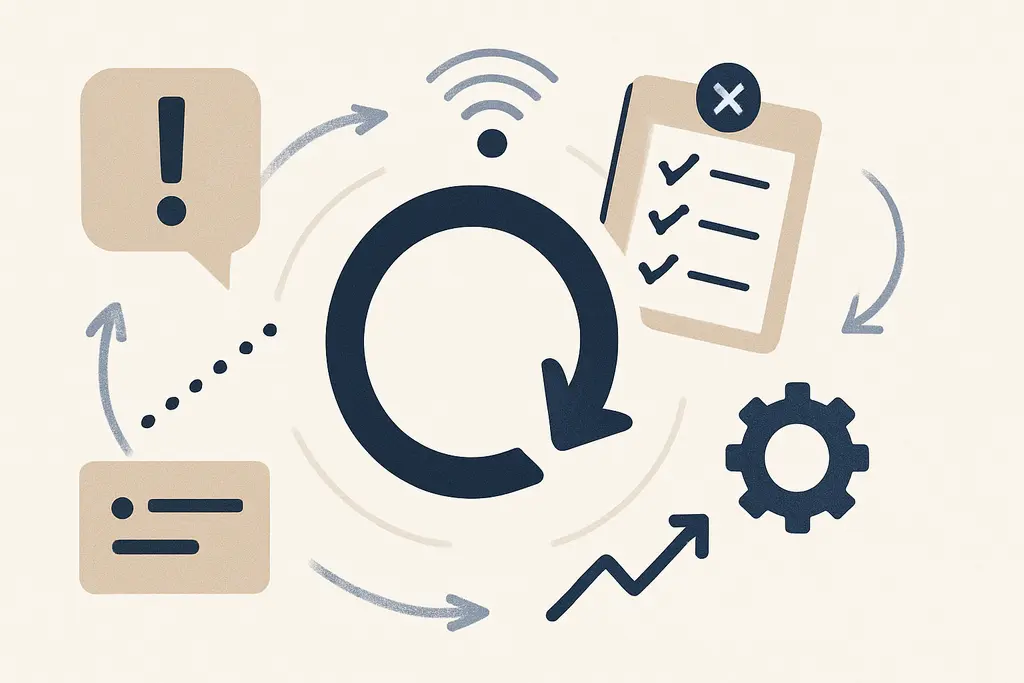
Cue clutter describes a situation where multiple cues (visual, digital, social or situational) compete to prompt behavior, so the original cue that should trigger a habit is weakened or ignored. Habit failure here means the routine does not reliably occur when intended, even when people know what to do.
In workplace settings, cues can be calendar reminders, notification badges, badge-access lights, desk signs, emails, verbal prompts, or environmental layouts. When too many signals arrive at once, the most important prompt is harder to notice and follow. Small variations in context — a different meeting room, missing checklist, or an off-shift colleague — can break a habit that otherwise runs smoothly.
Key characteristics:
These characteristics mean redesigning the situation (not just reminding more) is often the most effective path to consistent habits.
Underlying drivers
These drivers mix cognitive, social and environmental factors, so fixes usually require attention to design, process and norms rather than extra reminders.
**Multiple simultaneous cues:** several reminders or notifications compete for attention, diluting the intended prompt.
**Ambiguous signals:** cues are vague or inconsistent (e.g., different forms, labels, or locations), so people interpret them differently.
**High cognitive load:** when staff juggle complex tasks, low-salience cues are missed.
**Role ambiguity:** unclear responsibilities let people wait for someone else to act on a cue.
**Inconsistent environment:** different tools, templates or physical layouts across locations break the contextual link.
**Social norms:** coworkers’ visible choices create conflicting social cues (e.g., skipping a step becomes normal).
**Over-notification culture:** frequent alerts make any one notification feel optional or ignorable.
Observable signals
These patterns point to a fragility in how cues are structured: the habit is context-dependent and breaks when the cue is obscured.
Repeatedly missed steps in a standard operating procedure despite training.
Teams use multiple informal shortcuts that vary by person or shift.
Checklists remain incomplete or are completed retrospectively to hide misses.
People ask “Which version should I follow?” when given multiple templates.
Email threads and chat pings create parallel cues that contradict a primary workflow.
Important alerts are dismissed because they look like routine noise.
New hires quickly adopt local shortcuts instead of the documented routine.
Handoffs fail when cues that should signal readiness are ignored.
Meetings start without required pre-meeting checks because signals weren’t noticed.
High-performing individuals execute reliably in familiar contexts but fail when context changes.
A quick workplace scenario (4–6 lines, concrete situation)
A product team uses both a project board and a weekly status email. When a bug is fixed, some engineers move the card, others reply to the email thread, and the release lead checks only the board. During a sprint, release candidates are missed because the team’s primary cue (the board) is not consistently updated and other signals create confusion.
High-friction conditions
Multiple overlapping notification channels (chat, email, ticketing system) for the same task.
Several versions of a form or checklist in circulation.
Sudden context changes (different office, remote work, or swap of tools).
Parallel approvals required from different stakeholders with different cues.
Onboarding where trainers show unofficial shortcuts alongside official procedures.
Non-standard naming conventions in files and folders.
Excessive or poorly timed reminders that blend into background noise.
Shift changes where incoming staff inherit ambiguous status cues.
Practical responses
These actions focus on shaping the situation so the right prompt is the easiest option; small environmental fixes often yield outsized reliability gains.
Standardize the primary cue: pick one clear, visible prompt for the habit and make it the canonical signal.
Reduce competing cues: audit notification channels and eliminate or consolidate redundant alerts.
Make cues unambiguous: use consistent labels, locations, colors, or templates so the signal is instantly recognized.
Design the environment: place physical signs, checklists, or single-source dashboards where the action must occur.
Clarify ownership: assign a named role responsible for responding to the cue so ambiguity is removed.
Use habit stacking: attach the desired action to a stable preceding routine people already do consistently.
Build brief rituals into onboarding that reinforce the cue-action link in the exact context of work.
Trial small changes with pilots and measure whether the cue leads to the intended action before scaling.
Limit distractions during key moments (e.g., set ‘quiet’ times or focused blocks around handoffs).
Provide immediate, simple feedback when the habit occurs (visual confirmation, brief acknowledgment).
Remove conflicting rewards: ensure incentives and performance metrics reinforce the same cue-action mapping.
Keep checklists lightweight and enforce completion in the moment rather than retrospectively.
Often confused with
Habit loop — Describes cue, routine, reward; cue clutter interferes with the loop by masking the cue that should start the routine.
Cognitive load — Higher mental load makes low-salience cues harder to notice; reducing load supports cue effectiveness.
Choice architecture — Designing environments to nudge behavior; simplifying cues is a direct application of choice architecture.
Standard operating procedures (SOPs) — SOPs prescribe routines; cue clutter undermines SOP adherence when signals are inconsistent.
Onboarding rituals — Structured rituals create consistent cues for new joiners; poor onboarding can introduce local cue clutter.
Attention residue — Switching tasks leaves fragments of attention that reduce cue responsiveness; addressing task-switching helps cues register.
Nudge theory — Small environmental changes can shift behavior; clearing cue clutter is a nudge toward stability.
Workflow mapping — Visualizing handoffs reveals where multiple cues collide and where a single cue can be established.
Change fatigue — Frequent process changes multiply cues and can overload staff, increasing habit failure.
Signal-to-noise ratio — A concept from communications: improving the signal-to-noise ratio in workspaces makes cues more reliable.
When outside support matters
- When repeated cue-related failures create safety risks, significant financial losses, or regulatory breaches — consult an organizational safety or compliance professional.
- If widespread confusion and cue conflicts are harming staff wellbeing or causing chronic stress, engage HR or an occupational health specialist.
- For persistent process design problems that resist local fixes, consider an organizational psychologist or process improvement consultant to redesign cues and workflows.
Related topics worth exploring
These suggestions are picked from nearby themes and article context, not just a flat alphabetical list.
Habit relapse pathways
How workplace habit relapse pathways (cue→response→reinforcement loops) undo change, where they originate, and concrete steps leaders can use to interrupt them.
Habit Stacking Pitfalls
How habit-stacking in the workplace creates brittle routines, why stacks fail, and practical steps managers can take to simplify, test, and rebuild resilient workflows.
Habit friction audit
A practical guide to auditing small workplace barriers that stop intended routines — find the micro-obstacles, test simple fixes, and turn intentions into repeatable habits.
Cue competition
Cue competition is when multiple workplace signals vie for attention so the most salient—not always the most important—drives behavior. Practical steps help managers realign cues.
Habit scaffolding
How small, structured supports (cues, defaults, micro-routines) help new workplace habits form and persist — and how managers design, test, and remove those supports.
Micro-habit decay
Micro-habit decay is the gradual fading of tiny workplace routines (like quick updates or ticket notes) that causes friction; this memo shows causes, examples, and fixes for managers.