Quick definition
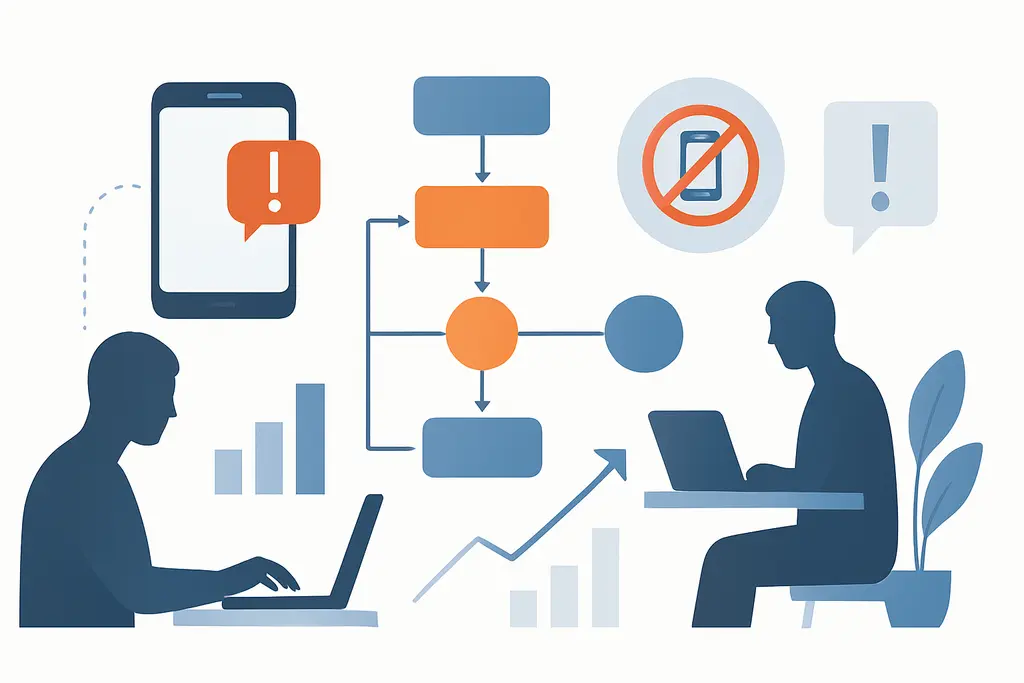
Digital Distraction Management is the set of individual habits, team norms and practical techniques used to minimize attention loss due to digital devices and platforms. It covers both reactive interruptions (notifications, incoming messages) and proactive distractions (habitually checking social media or opening many tabs). The goal is to preserve sustained attention for priority tasks while keeping necessary digital communication flowing.
Practically, it includes planning when to engage with tools, configuring devices and apps to reduce unnecessary alerts, and designing work processes that limit disruptive context-switching.
Key characteristics:
Underlying drivers
Cognitive reward loops: notifications and novelty trigger short dopamine responses, encouraging repeated checking
Attentional limits: human working memory and focus naturally decline with interruptions
Social expectations: workplace norms that expect quick replies or constant availability
Platform design: apps and services are engineered to capture attention through badges, sounds and personalized feeds
Work structure: fragmented schedules, back-to-back meetings, and unclear priorities make reactive work the default
Environmental cues: open-plan offices, shared devices, and visible screens increase chances of distraction
Multitasking norms: culture that values busyness can normalize switching between tasks
Observable signals
Frequent context-switching between apps, documents and communication channels
Rising time spent in email, messaging or social feeds with declining time on single-focus tasks
Missed deadlines or lower-quality outputs due to interrupted concentration
Longer work hours as tasks take more time when fragmented
Repeatedly reopening the same tab or draft without finishing it
Short attention spans in meetings; people checking devices during discussions
Overreliance on real-time chat for decisions that could be scheduled or documented
Accumulating unread messages and a backlog of small tasks
Difficulty completing deep, creative or strategic work blocks
High-friction conditions
Push notifications from email, chat apps, or social media
Low-stakes “pings” from coworkers expecting instant replies
Multiple open browser tabs and overlapping projects
Calendar gaps filled with quick reactive tasks instead of focused work
Habitual phone checking during short pauses or transitions
Ambiguous priorities that push people to respond to whatever is visible
Meeting culture that encourages immediate follow-ups in chat
News alerts or breaking updates configured on desktop or mobile
Practical responses
Schedule dedicated "focus blocks" on your calendar and mark them as unavailable for meetings
Turn off non-essential notifications; set clear notification policies on work devices
Use app timers or website blockers during priority work hours
Batch communication: check and respond to email/chat at set times (e.g., three times a day)
Create an inbox or triage rule set (labeling, filters) to prioritize messages automatically
Keep a short task list for the day to reduce the urge to switch contexts
Adopt a simple desk setup: single monitor or one active tab/window for focused work
Use status indicators in team tools to signal deep work and expected response times
Agree team norms for response windows and what counts as urgent
Build micro-break rituals (stretching, brief walk) so distractions aren’t used as default pauses
Train meeting agendas and outcomes to reduce post-meeting message flurries
Review and adjust tool settings monthly to prevent feature creep of distracting functions
Often confused with
Attention management: broader practice of allocating cognitive resources; digital distraction is a specific source to manage
Deep work: uninterrupted, high-focus work that distraction management aims to protect
Digital hygiene: technical maintenance and settings that support reduced interruptions
Information overload: excess data and messages that can overwhelm decision-making and attention
Context switching cost: performance loss when moving between tasks, increased by digital distractions
Notification design: how alerts are structured; changes here directly affect distraction levels
Time blocking: scheduling method that pairs well with distraction management to protect focus
Remote work norms: expectations and tools in distributed teams that shape digital distraction patterns
When outside support matters
- If distraction leads to persistent, severe declines in work performance or major career consequences
- If digital habits cause significant stress, anxiety, or difficulty functioning in daily work life
- If you find it hard to implement behavioral changes despite trying multiple strategies
- Consider consulting organizational development experts for team-wide norms or a workplace coach for habit change
Related topics worth exploring
These suggestions are picked from nearby themes and article context, not just a flat alphabetical list.
Distraction Stacking
Distraction Stacking is the chain of small interruptions that fragment work; learn how it forms, how it shows up in daily tasks, and practical steps managers can take to reduce it.
Energy Management for Peak Focus
A practical field guide to aligning tasks, routines, and team norms so your highest-attention work lands in your natural energy peaks at the office.
Inbox zero myth
Why aiming for an empty inbox is often symbolic, how it shapes daily work behavior, common confusions, and practical fixes to reduce busywork and distraction.
Notification anxiety
Notification anxiety is the anticipatory stress about pings and messages at work — it fragments focus, shapes habits, and can be reduced by norms, batching, and targeted notification settings.
Deep Work for Managers
How managers create, protect, and scale focused, high-value work time—practical steps, pitfalls, and examples for turning attention into better decisions and fewer interruptions.
Focus residue recovery
How leftover attention from one task slows the next—and practical steps managers and teams can use to clear it, from short buffers to one‑line handoffs.