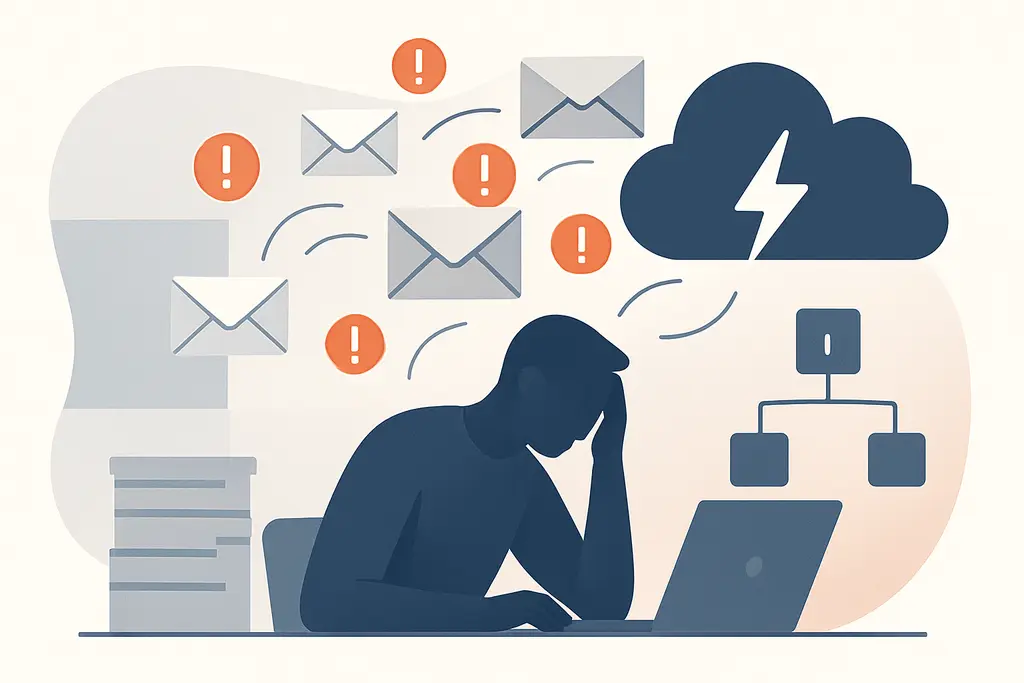
What this pattern really means
Inbox overload is when the number and flow of emails exceed your capacity to process them comfortably. Email stress is the emotional response—frustration, anxiety, or irritability—triggered by that backlog or by pressure to respond quickly.
Both are practical, everyday problems rather than clinical labels: they affect how people organize time, communicate, and prioritize work.
Key characteristics:
Why it tends to develop
High message volume from coworkers, clients, lists, and automated systems
Expectations of rapid replies or immediate availability
Poorly structured email practices (unclear subject lines, no priority flags)
Multitasking culture that rewards fast responses over deep work
Cognitive overload: limited attention and working memory make triage harder
Social drivers: using email to avoid tough conversations or to document activity
Environmental factors: notifications, workplace norms, and unclear communication channels
What it looks like in everyday work
Constant checking of email during focused tasks
Long email threads with repeated clarifications
Skipped inboxes or thousands of unread messages
Delayed responses to important non-email work
Repeatedly reopening messages to remember next steps
Short, reactive replies rather than thoughtful responses
Increased stress around times when emails are expected (e.g., mornings)
Delegation or task-follow-up failures because messages get lost
Over-reliance on email for complex coordination that needs meetings or calls
What usually makes it worse
End-of-day or end-of-week rush to clear messages
Group emails with “reply all” that generate noise
Vague subject lines that hide urgency or required action
Automated notifications from tools and services
Manager or client expectations for fast turnaround
New projects that bring many stakeholders into one thread
Using email as a record-keeping substitute for clear decisions
Unclear team norms about what belongs in an email vs. chat or task tool
What helps in practice
Schedule dedicated email blocks (e.g., twice daily) and protect deep-work time
Turn off nonessential notifications and batch-process messages
Use simple triage rules: delete, delegate, defer, do (4 D's) for quick decisions
Create clear subject-line conventions and use flags/labels for priority
Unsubscribe or filter automated messages into folders for later review
Set an auto-reply for predictable times if you can’t respond immediately
Use short templates for frequent responses to save time
Agree on team norms: expected response times and preferred channels for urgent matters
Archive old threads and maintain a small set of actionable folders
Schedule brief syncs or calls instead of long email chains for complex topics
Train habit cues (e.g., open email only after a 30-minute task block) to reduce checking
Periodically audit inbox rules and subscriptions to keep volume manageable
Nearby patterns worth separating
Attention residue — switching to email leaves fragments of the previous task, reducing efficiency
Notification fatigue — constant alerts make it harder to distinguish urgent from non-urgent
Information overload — the broader experience of too much data, of which email is a common source
Context switching — jumping between email and work tasks increases time to refocus
Work fragmentation — small email tasks break larger tasks into inefficient pieces
Email governance — team rules and tools designed to reduce unnecessary messages
Digital minimalism — a philosophy that can guide reducing inbox noise
When the situation needs extra support
- If persistent email stress causes marked declines in productivity or job performance
- When ongoing workplace expectations contribute to chronic burnout-like feelings
- If anxiety about communication interferes with basic functioning at work
- Consider talking with an occupational coach, HR representative, or licensed mental health professional for sustained, individualized support
Related topics worth exploring
These suggestions are picked from nearby themes and article context, not just a flat alphabetical list.
Zero-inbox pressure: why empty inboxes stress me out
Why an empty inbox can create stress at work: causes, daily signs, misreads, and practical steps to shift focus from visible tidiness to real task ownership.
Inbox zero myth
Why aiming for an empty inbox is often symbolic, how it shapes daily work behavior, common confusions, and practical fixes to reduce busywork and distraction.
Inbox zero myths
Debunk common assumptions about Inbox Zero at work, learn why an empty inbox can mislead teams, and adopt practical changes that prioritize tracked tasks and sustained focus over unread counts.
Email batching best times
Practical guidance on picking and testing email-batching windows at work: what the pattern is, why it forms, how it shows up by role, and simple steps teams can test.
Micro-decision overload: why small choices derail your day
How dozens of tiny, daily choices sap attention at work—what it looks like, why it builds up, and practical fixes managers and individuals can use to protect focus.
Notification anxiety
Notification anxiety is the anticipatory stress about pings and messages at work — it fragments focus, shapes habits, and can be reduced by norms, batching, and targeted notification settings.