What this pattern really means
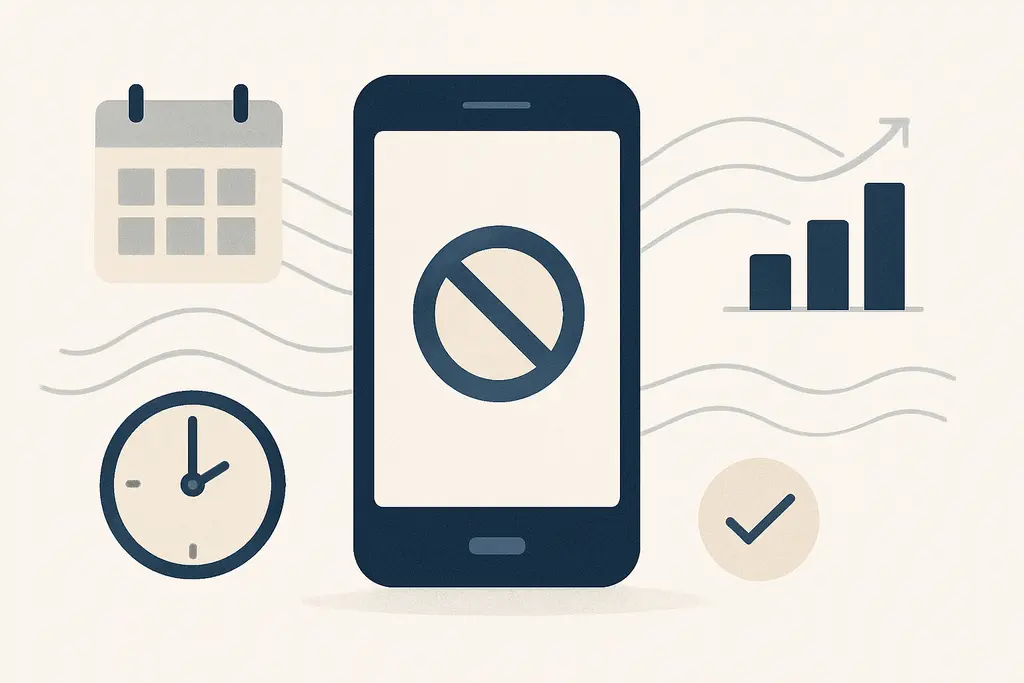
Phone-free focus windows are explicit blocks of time—often agreed by a team or set by role—that limit mobile-phone use to prioritize concentration or group tasks. They can be short (15–30 minutes) or longer (1–2 hours), recurring or one-off, and may be applied to individuals, roles, or whole teams. The goal is not total avoidance of devices but predictable, shared boundaries that reduce reactive multitasking and the cost of switching attention.
These elements make phone-free focus windows workable in busy environments: they trade ad-hoc interruptions for predictable structure that teams can coordinate around.
Why it tends to develop
**Cognitive:** frequent phone checks create attentional switching costs; teams adopt focus windows to protect blocks of uninterrupted processing.
**Social norms:** if peers tolerate continuous phone use, others mirror that; setting windows creates new peer expectations.
**Workflow design:** tasks that require deep analysis or creative collaboration expose the drag of small interruptions, prompting scheduled quiet time.
**Performance feedback:** recurring delays, missed details, or extended review cycles lead groups to try structural solutions like device-free periods.
**Environmental cues:** open-plan noise and visible phone use increase temptation to check devices, so teams create formal windows to reset the environment.
**Leadership modeling:** when decision-makers demonstrate phone-free focus, the practice spreads as an accepted norm.
**Technology defaults:** overloaded notification systems push groups to coordinate silences rather than rely on individual filtering.
What it looks like in everyday work
These signs help observers evaluate whether the practice is being used as intended and whether adjustments are needed.
Calendar blocks labeled "Focus" or "No-Phone Hour" appearing on team schedules.
Team chat status or channel messages indicating a pause in replies for a defined window.
Shorter, more focused meetings where phones are placed face-down or set to do-not-disturb.
Shared physical signals — e.g., a flag, light, or sign on a desk — showing someone is in a focus window.
Reduced reply-all and fewer reactive threads in collaboration tools during set times.
Onboarding or team rituals that explain when and why phone-free windows occur.
Role-based exceptions noted in guidelines (e.g., customer-facing staff remain reachable via a shared line).
Trackable changes in task completion timing around focus windows (faster batch processing of emails after a block).
Resistance or uneven adoption visible as some team members slipping back to phone use.
Debriefs referencing whether focus windows helped meet objectives for a sprint or project.
A quick workplace scenario (4–6 lines, concrete situation)
A product team schedules two 45-minute focus windows each morning. During those times, calendar invites show "Focus Window," Slack channels switch to quiet mode, and the lead closes the stand-up with a reminder. After two sprints the team notices fewer follow-up questions and a faster code review turnaround.
What usually makes it worse
A string of missed deadlines or frequent rework tied to small interruptions.
High-volume notification spikes from email, chat, or apps.
A recent shift to hybrid or open-plan work that increased visible phone use.
Onboarding new hires who bring different norms about responsiveness.
Regularly scheduled deep-work tasks (planning, design, coding) that compete with reactive work.
A manager or senior team member modeling uninterrupted work and prompting others to follow.
Customer-facing incidents that require uninterrupted triage windows.
Declining meeting efficiency where side-chat and multitasking reduce outcomes.
What helps in practice
Clear, low-friction practices make focus windows easier to adopt and reduce passive resistance. Small measurements guide refinement so the policy supports work, not bureaucracy.
Define short, predictable windows in shared calendars rather than vague "do not disturb" expectations.
Create simple rules (e.g., notifications off, phones face-down, or stored in a basket) and document exceptions.
Use scheduling tools to block focus time automatically for relevant roles or project phases.
Model the behavior from visible roles: leaders and facilitators start and end windows consistently.
Communicate rationale clearly: link focus windows to concrete outcomes (e.g., fewer errors, faster reviews).
Pair focus windows with small rituals: a stand-up close, a reminder message, or a 30-second silence at the start.
Provide alternatives for urgent reachability, such as a single escalation contact or a monitored channel.
Rotate windows to accommodate different time zones or individual chronotypes where possible.
Measure simple indicators (meeting length, number of follow-up messages, time-to-review) and iterate rules.
Offer opt-in pilots and solicit feedback before making windows mandatory across teams.
Train new hires on team norms as part of onboarding so expectations are clear from day one.
Tackle inequities: ensure that people with customer-facing duties or on-call responsibilities have fair accommodations.
Nearby patterns worth separating
Deep work: similar in aiming to protect sustained concentration, but typically framed as an individual practice rather than a coordinated team window.
Do Not Disturb settings: a personal tool that underpins phone-free windows; DND handles the technical side while windows handle timing and social norms.
Meeting-free days: broader time blocks where no meetings occur; phone-free focus windows are shorter, more frequent, and can coexist with meeting rules.
Time blocking: a scheduling strategy for tasks; focus windows are a specific, often team-wide application of time blocking to reduce device interruptions.
Attention residue: the cognitive carryover from switching tasks; focus windows aim to lower attention residue at the team level.
Workplace rituals: shared routines that signal expected behavior; phone-free windows are an example that creates a ritual around focused work.
Asynchronous communication norms: established rules about response expectations; these norms complement focus windows by reducing pressure to reply immediately.
Protected hours for creativity: initiatives that reserve time for idea work; these often use phone-free windows to create the same conditions.
Employee experience programs: broader initiatives for wellbeing and productivity; phone-free focus windows can be a practical tactic within such programs.
Notification management policies: organizational rules for app and email notifications; these reduce the technical burden that focus windows address.
When the situation needs extra support
- If workplace conflict around device policies escalates and mediation is needed, consult HR or a trained workplace mediator.
- If changes in work patterns cause sustained declines in performance, occupational health or an organizational consultant can advise on accommodations and design.
- For legal or safety concerns tied to on-call or emergency coverage, consult appropriate compliance or legal advisors.
- If employee wellbeing appears seriously impacted by workload or expectations, encourage use of employee assistance programs or occupational health services.
Related topics worth exploring
These suggestions are picked from nearby themes and article context, not just a flat alphabetical list.
Phone-check reflex and focus loss
Why people reflexively check phones at work, how that fragments focus, and practical manager-friendly steps to reduce interruptions and protect team attention.
Focus residue recovery
How leftover attention from one task slows the next—and practical steps managers and teams can use to clear it, from short buffers to one‑line handoffs.
Focus momentum
How attention builds or breaks in work cycles, why continuous focus speeds delivery, and practical manager actions to preserve or restore productive momentum.
5-minute focus reset
A concise guide to the 5-minute focus reset: a short, deliberate pause to clear distraction, capture the next action, and return to work with less lost time and fewer follow-ups.
Microbreak efficacy for focus
How short, intentional pauses at work restore attention — when they help, how to recognise them, and what managers can do to support effective microbreaks.
Why I can't focus in open offices
Explains why open offices disrupt attention, how that shows up in daily work, common misreads, and practical environmental and social fixes teams can apply.