Quick definition
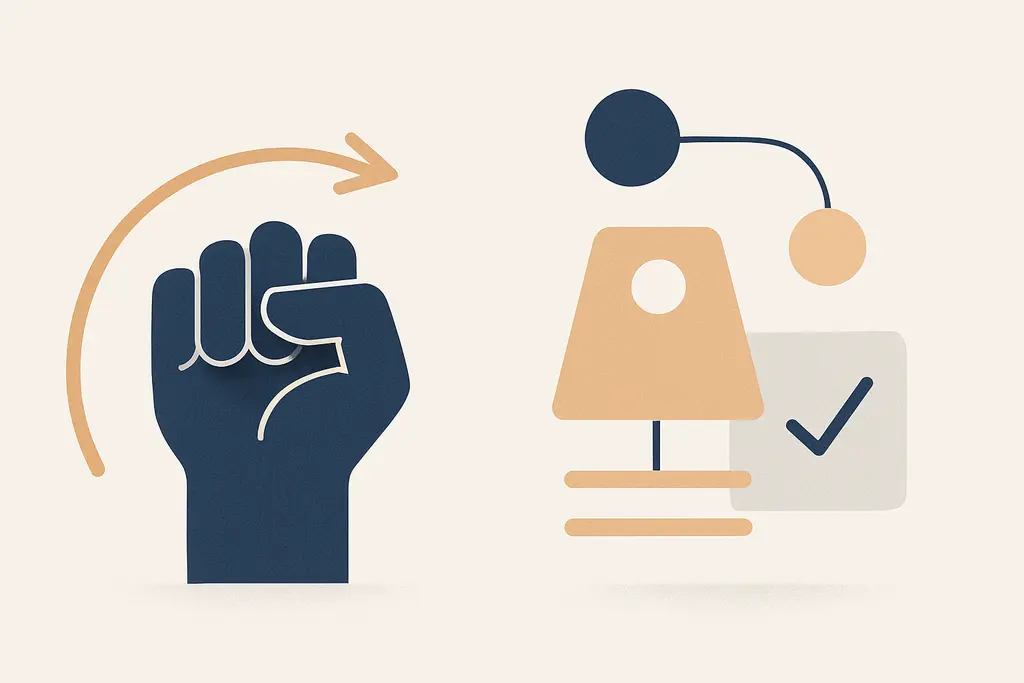
Willpower refers to the effort an individual exerts to start, stop, or sustain a behavior despite temptations, distractions, or discomfort. Environment design means arranging physical, digital, social, and procedural elements to make desired actions simpler and undesired ones harder.
In practice, willpower is a short-term, effortful strategy: people override impulses in a given moment. Environment design is a longer-term, structural strategy: modify cues, defaults, and workflows so fewer moment-to-moment choices are needed.
Both approaches aim to change behavior, but they operate on different levers: internal effort versus external structure. Choosing which to use (or how much of each) determines how reliably work gets done under pressure.
Key characteristics:
Leaning toward environment design reduces reliance on individual momentary effort, while leaning on willpower preserves flexibility but increases variability in outcomes. For operational reliability, design choices tend to produce steadier results across different people and contexts.
Underlying drivers
**Cognitive load:** High task complexity and multitasking reduce capacity for momentary self-control, so teams default to willpower when they lack supportive structures.
**Default assumptions:** Processes are often designed assuming people will use their willpower to follow them, rather than adjusting the process to common human tendencies.
**Time pressure:** Tight deadlines make asking for extra mental effort look pragmatic, even when better design would save time overall.
**Tool friction:** Poorly integrated software and confusing interfaces force individuals to exert willpower to persist through frustration.
**Social norms:** If the group culture applauds grit and long hours, environment solutions may be undervalued and under-invested in.
**Cost trade-offs:** Short-term budget choices favor doing things manually (relying on willpower) instead of investing in systemic fixes.
**Ambiguous accountability:** When responsibilities are unclear, people try to compensate with willpower rather than redesigning roles and workflows.
Observable signals
Repeated missed deadlines that are blamed on individual discipline rather than process bottlenecks.
Long checklists or SOPs that everyone skips because following them requires effort each time.
Frequent reminders, nudges, or managerial exhortations to "just focus" without changes to workload or tools.
High variance in performance between people doing the same job, suggesting dependence on individual grit.
Teams creating personal coping strategies (notes, alarms, rituals) instead of team-level defaults or templates.
Escalations tied to one or two reliable individuals who absorb friction for the group.
Low adoption of templates, automation, or standardized practices because people assume personal effort will suffice.
Persistent errors in predictable contexts (e.g., month-end reporting) where a checklist or automation would prevent them.
Meetings that rely on attendees' willpower to arrive prepared rather than making preparation easier (shared agendas, pre-filled forms).
A quick workplace scenario (4–6 lines)
A recurring weekly report is late unless a particular person stays late to reformat data manually. The team sends polite follow-up reminders, and that person repeatedly sacrifices time. A small script or template could eliminate the reformatting step, but no one has created it because "we can just stay late when needed." The pattern persists until a single absence causes downstream delays.
High-friction conditions
Last-minute scope changes that require improvisation rather than a standard process.
Multitasking expectations without protected focus time.
Legacy tools that require manual copy-paste or repetitive clicks.
Non-standard requests routed to individuals instead of a published workflow.
Undefined handoffs between roles, producing reliance on one person's memory.
Culture of praising hustle and immediate responsiveness.
Tight hiring or training timelines that skip documentation and templates.
Frequent context switches driven by meetings or urgent pings.
Practical responses
Shifting investment from exhortations to structural fixes keeps processes predictable and reduces hidden costs of repeated effort. Small environment changes often free up consistent capacity without relying on unpredictable individual stamina.
Implement clear defaults: create templates, presets, and standard operating procedures so the usual path is the easiest path.
Remove friction from common tasks: automate repetitive steps, reduce clicks, and pre-fill forms where possible.
Limit decision points: batch related decisions and reduce unnecessary choices in workflows.
Design the workspace: arrange tools, dashboards, and notification settings to surface the most important actions first.
Use visible cues: place checklists, dashboards, or status boards where they’re naturally seen during the workday.
Reduce reliance on reminders: replace repeated nudges with structural changes (e.g., calendar blocks or automated triggers).
Pilot small automation or templates: run a short experiment to measure time saved before scaling solutions.
Protect focus time: schedule team-wide deep-work periods and minimize meetings during those blocks.
Clarify handoffs and ownership: map processes to specific roles and make responsibilities explicit in the workflow.
Reward process improvements: recognize people who simplify work for others, not just those who endure extra effort.
Track friction points: collect quick feedback on where people burn time and prioritize fixes with biggest return.
Often confused with
Nudge theory — connects by using subtle environmental changes to steer choices; differs because nudges aim to preserve freedom while making preferred options easier.
Choice architecture — closely related; choice architecture is the deliberate arrangement of options, whereas environment design includes physical and procedural elements beyond choices alone.
Habit formation — links to both approaches: environment design helps habits form by shaping cues, while willpower is often needed early in habit establishment.
Standard operating procedures (SOPs) — SOPs are concrete forms of environment design; they differ because SOPs are documented rules rather than implicit defaults.
Automation and tooling — a tactical subset of environment design that removes manual effort; differs by relying on technology to replace repetitive willpower expenditure.
Cognitive load theory — explains why willpower fails under heavy mental load; environment design seeks to reduce that load through simplification.
Job design — connects because role structure determines how much work depends on individual discretion versus built-in supports.
Time blocking — a time-management tactic that reduces decision fatigue; it’s a behavioral design choice rather than raw willpower strategy.
Social norms and culture — culture shapes whether willpower is valorized; environment design can intentionally shift norms by changing visible practices.
When outside support matters
- If chronic work-related stress, burnout, or impairment is affecting functioning, consider speaking with an occupational health professional or HR advisor.
- For team-wide process redesigns that intersect with legal, ergonomic, or compliance issues, consult the appropriate internal or external specialist.
- When workload or organizational design problems persist despite practical interventions, consider engaging an organizational development consultant.
Related topics worth exploring
These suggestions are picked from nearby themes and article context, not just a flat alphabetical list.
Nudge Fatigue
Nudge fatigue is when repeated workplace prompts lose effect and annoy people; learn how it develops, appears in daily work, and which fixes restore impact.
Habit relapse pathways
How workplace habit relapse pathways (cue→response→reinforcement loops) undo change, where they originate, and concrete steps leaders can use to interrupt them.
Team Keystone Habits
How small shared routines—team keystone habits—drive disproportionate outcomes at work and how managers can identify, change, and sustain better defaults.
Micro-goal calibration
How tiny, frequently adjusted short-term targets shape daily work—why teams fall into them, how to spot misleading progress, and practical manager-level fixes.
Habit Stacking Pitfalls
How habit-stacking in the workplace creates brittle routines, why stacks fail, and practical steps managers can take to simplify, test, and rebuild resilient workflows.
Habit friction audit
A practical guide to auditing small workplace barriers that stop intended routines — find the micro-obstacles, test simple fixes, and turn intentions into repeatable habits.