Observable signals
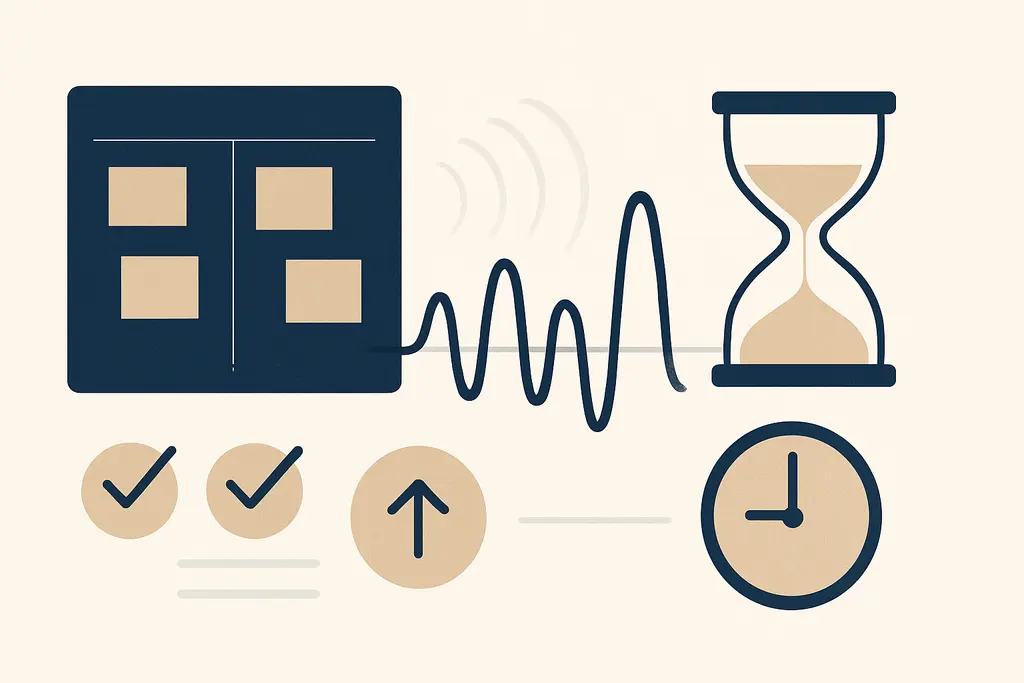
You see visual task queueing when sticky notes stack up on a monitor, a Kanban column shows ten "In Progress" cards, or an inbox has hundreds of unread emails acting like a physical queue. Common surface signs include:
These visible queues act as memory aids and social signals at the same time: they remind the owner what to do next and tell colleagues what’s pending. That visibility can speed coordination but also make delays more public and harder to ignore.
Tasks lined up by date, not by effort.
Physical piles (paper, devices) that represent stages of work.
Digital boards with long backlogs and little movement.
Visible blocks that signal who is waiting on what.
What it really means for you and your day
Visual task queueing is more than decoration—it's a cognitive and social strategy. Its functions include:
- Visible backlog: leaving tasks visible reduces memory load and helps you resume interrupted work.
- Priority signaling: the order or placement communicates what you intend to do next.
- Work identity: the queue shows what you’re responsible for and what you’ve committed to colleagues.
- Stress amplification: seeing many pending items can increase perceived workload even if objective demand is similar.
Those functions explain why you both rely on queues and sometimes dread them. The visibility trades off between external coordination benefits and internal pressure to move items forward. This trade‑off shapes when you use a visual queue and how you arrange it.
Why teams and individuals fall into this pattern
People and teams adopt visual queues for practical and organizational reasons:
- Limited working memory: visual lists reduce the cognitive cost of tracking many items.
- Coordination needs: visible queues provide a shared map for handoffs and blocking issues.
- Tool defaults: project tools and office layouts encourage card columns and inbox piles.
- Performance signaling: visible work demonstrates productivity or availability to others.
Those forces feed one another. A team using boards encourages individuals to make their work visible; visible backlogs then attract managerial attention and more updates, which in turn reinforces the queueing habit. Over time the queue becomes both a tool and a norm, sustained by social expectation as much as by efficiency.
How to change or reduce a problematic visual queue
If the visible queue is creating stress, clogging flow, or miscommunicating priorities, try tactics that recalibrate what is visible and why:
- Limit WIP: set a small visible-capacity limit for columns or your desk.
- Consolidate items: group similar small tasks into a single ticket or batch time to clear them.
- Hide vs. show: archive low‑priority cards or move non‑actionable items to a reference board.
- Explicit rules: add a simple ‘‘ready for handoff’’ or ‘‘blocked’’ tag so visibility conveys status, not just presence.
- Regular triage: schedule a short daily or twice-weekly grooming to prevent long backlogs.
These steps change the signal the queue sends. Limiting WIP reduces the social pressure to multitask, and hiding low‑value items lowers the constant visual reminder that feeds stress. The goal isn’t to remove visibility entirely—it's to make what’s visible accurate and actionable.
A quick workplace scenario
Imagine Maya, a product designer, who uses three sticky-note columns on her monitor: To Do, In Progress, Review. When Review balloons to 12 notes, she feels guilty and starts context-switching to finish small items instead of focusing on a complex design. After a short team agreement to cap Review at four notes and to move older items into a backlog board, Maya finds she spends longer stretches on focused work and the team’s throughput becomes steadier.
This scenario shows how a simple queue rule changed behaviour without heavy process overhead.
Where people commonly misread or oversimplify visual task queueing
Several confusions repeat in workplace reactions:
- People assume a long visible queue equals low productivity. In reality, backlog length may reflect prioritization or staging for batch work rather than neglect.
- Managers often interpret visibility as progress: a shuffled column may look active even if items just moved status without substantive work.
Related concepts that get mixed up include:
- Kanban vs. visual clutter: Kanban uses visibility to limit WIP and manage flow; unstructured piles are mere clutter that create noise, not flow control.
- To‑do lists vs. workflow queues: a personal list is a memory aid; a team queue is a coordination tool and needs rules.
Understanding these distinctions prevents overreaction (e.g., clearing a board to look productive) and helps form better interventions that preserve useful signaling while removing misleading noise.
Practical questions to ask before you rearrange someone else’s queue
- Who relies on this visibility to coordinate with others?
- Does the queue reflect current priorities or historical baggage?
- Will hiding items reduce confusion or create hidden risks?
Asking these questions helps you avoid quick fixes that solve appearances but break coordination. Small changes—naming a backlog column, capping active items, or adding owner names—often achieve better balance than wholesale removal of visual cues.
Related patterns worth separating from it
- Shadow work: invisible coordination tasks are often absent from visible queues; adding them changes workload perception but may be necessary for fairness.
- Task switching: visual queues can encourage frequent switching; limiting WIP and timeboxing are specific remedies.
Separating these patterns helps you pick the correct remedy: add missing work to improve fairness, or limit visibility to protect deep work—each fixes a different problem.
Related topics worth exploring
These suggestions are picked from nearby themes and article context, not just a flat alphabetical list.
Task switching cost and batching at work
How switching between tasks adds hidden time and error at work—and how batching, protected blocks, and changed norms help managers reduce that lost productivity.
Inbox zero myth
Why aiming for an empty inbox is often symbolic, how it shapes daily work behavior, common confusions, and practical fixes to reduce busywork and distraction.
Notification anxiety
Notification anxiety is the anticipatory stress about pings and messages at work — it fragments focus, shapes habits, and can be reduced by norms, batching, and targeted notification settings.
Deep Work for Managers
How managers create, protect, and scale focused, high-value work time—practical steps, pitfalls, and examples for turning attention into better decisions and fewer interruptions.
Focus residue recovery
How leftover attention from one task slows the next—and practical steps managers and teams can use to clear it, from short buffers to one‑line handoffs.
Decision batching
Decision batching groups similar workplace choices into scheduled sessions; it can boost focus and consistency but also cause delays and bottlenecks if misused.