Quick definition
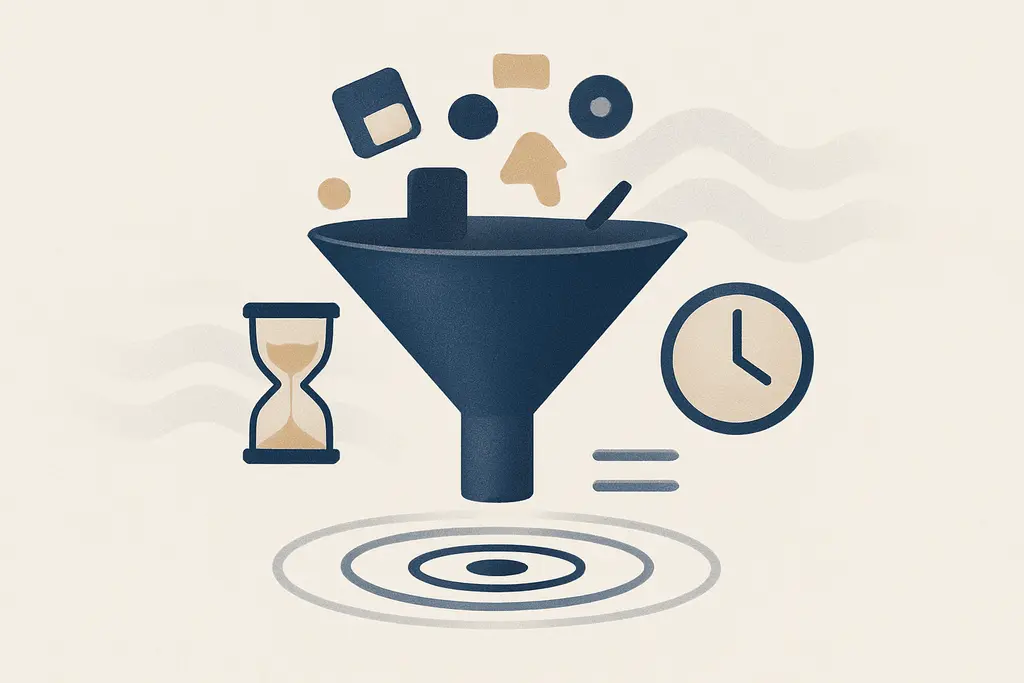
Digital distraction micro-habits are short, recurrent actions involving digital devices that interrupt attention or workflow. They are not one-off mistakes; they are patterned behaviors that become automatic, often cued by notifications, boredom, or social signals. For a manager, the important distinction is that these are repeatable, observable tendencies that affect individual output and team rhythm.
These characteristics make micro-habits measurable and modifiable: managers can observe frequency, set expectations, and design small interventions that reduce friction without heavy-handed bans.
Underlying drivers
Cognitive novelty seeking: brief digital checks provide small bursts of novelty that the brain finds rewarding
Interruption bias: visible cues (badges, banners) automatically pull attention away from primary tasks
Social signaling: responding quickly to messages can signal availability or commitment to peers
Workload fragmentation: many short tasks and shifting priorities encourage frequent context switching
Environmental norms: if leaders or peers model checking behavior, it becomes an accepted pattern
Design of tools: apps and platforms use attention-grabbing features that encourage micro-engagement
Stress or uncertainty: when tasks are unclear, people default to low-effort digital distraction
Habit reinforcement: repeated micro-checks are reinforced by intermittent rewards (new info, reaction)
Observable signals
These signs allow managers to diagnose where micro-habits interfere with team goals without assuming intent. Observations can guide constructive changes to schedules, norms, and tools.
**Delayed responses:** team members take longer to finish tasks due to repeated micro-interruptions
**Meeting drift:** attendees frequently look at devices, leading to missed decisions or clarification needs
**Uneven availability:** some employees appear continuously reachable but produce fragmented work
**False multitasking:** people appear busy—typing, clicking—but progress on core priorities stalls
**Context switching cost:** projects suffer from recurring rework when attention is broken
**Informal norms:** casual expectations emerge that quick replies are required outside working hours
**Micro-deadlines missed:** small checkpoints slip because attention was diverted by short digital bursts
**Visible cues:** notifications, open laptops, or side-tab use become regular during focused blocks
High-friction conditions
Notification badges and sound alerts from chat, email, or social apps
Unclear priorities or ambiguous task lists that invite low-effort activity
Long stretches of monotonous work that prompt brief digital relief
Meetings without clear agendas or facilitation, increasing device checking
Peer behavior: seeing a colleague respond quickly to messages
Context shifts: switching between different types of tasks or tools
Proximity to devices (phone on desk, browser tabs left open)
Time pressure that leads people to seek immediate small wins
New platform rollouts or changes that create curiosity and checking
Practical responses
These actions are practical and reversible; start with a small experiment (one week) and iterate based on team feedback and simple metrics.
Create visible norms: agree on team rules for device use during meetings and focus blocks
Model behavior: demonstrate focused work periods and delayed-response habits as a leader
Set predictable response windows: communicate clear expectations about when to reply to messages
Schedule focus blocks: protect shared calendar time for deep work and discourage interruptions then
Reduce noisy cues: encourage turning off nonessential notifications for the team
Restructure meetings: use agendas, timeboxing, and clear outcomes to reduce device drift
Redesign workflows: batch small tasks into short, dedicated sessions to limit context switching
Provide tool guidance: recommend browser extensions or settings that limit distracting sites during work
Use micro-policies, not bans: allow quick checks at breaks while discouraging split attention during priorities
Track patterns, not people: measure team-level indicators (meeting engagement, task completion times) and discuss improvements
Offer alternatives: promote short physical breaks or micro-pomodoros rather than impulse digital checks
Adjust incentives: align KPIs to quality and outcomes rather than visible busyness
A quick workplace scenario (4–6 lines, concrete situation)
During weekly sprint planning, the manager notices three attendees repeatedly glancing at phones and half-typing answers in chat. Instead of calling out individuals, the manager pauses the meeting, reminds the group of the 45-minute focus goal, and introduces a quick rule: devices on silent and a five-minute recap at the end. Engagement improves over the next two meetings and action items are clearer.
Often confused with
Attention economy: explains how platforms compete for user focus; differs because micro-habits are small employee responses to that competition
Context switching cost: connects directly to micro-habits by describing the productivity overhead each brief interruption causes
Digital wellbeing: overlaps with micro-habits but is broader, covering long-term relationships with technology beyond workplace routines
Meeting hygiene: related practical practices for making group time effective; micro-habits often surface during poorly run meetings
Behavioral nudges: small design changes that alter behavior; managers can use nudges to reduce distracting micro-habits
Flow state: a sustained deep-focus condition that micro-habits regularly break; interventions aim to protect flow windows
When outside support matters
- If workload, stress, or distraction patterns cause sustained performance problems despite local changes, consult HR or an organizational psychologist for system-level assessment
- If team dynamics or interpersonal conflict around device use escalate, involve people operations or a trained mediator to restore trust
- For persistent well-being concerns that affect attendance or safety, suggest employees speak with employee assistance programs or qualified health providers
Related topics worth exploring
These suggestions are picked from nearby themes and article context, not just a flat alphabetical list.
Distraction Stacking
Distraction Stacking is the chain of small interruptions that fragment work; learn how it forms, how it shows up in daily tasks, and practical steps managers can take to reduce it.
Micro-decision overload: why small choices derail your day
How dozens of tiny, daily choices sap attention at work—what it looks like, why it builds up, and practical fixes managers and individuals can use to protect focus.
Inbox zero myth
Why aiming for an empty inbox is often symbolic, how it shapes daily work behavior, common confusions, and practical fixes to reduce busywork and distraction.
Notification anxiety
Notification anxiety is the anticipatory stress about pings and messages at work — it fragments focus, shapes habits, and can be reduced by norms, batching, and targeted notification settings.
Deep Work for Managers
How managers create, protect, and scale focused, high-value work time—practical steps, pitfalls, and examples for turning attention into better decisions and fewer interruptions.
Focus residue recovery
How leftover attention from one task slows the next—and practical steps managers and teams can use to clear it, from short buffers to one‑line handoffs.